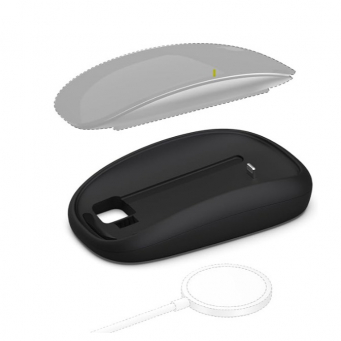
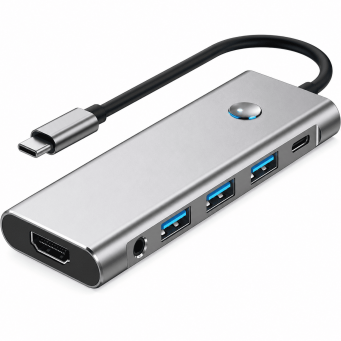
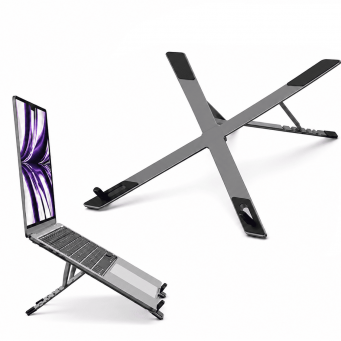
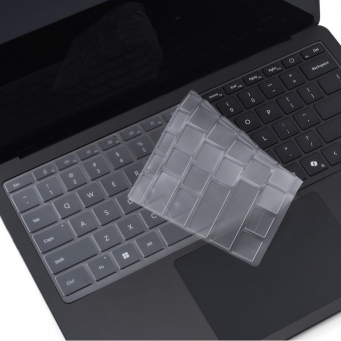
Keep your Apple Magic Mouse 2 conveniently charged with the iCare Magic Mouse 2 Charging Base. Designed with a Type-C charging interface and compact desktop-friendly construction, this charging dock provides an organized charging solution for home, office, workstation, and travel use.
Key Features
- Dedicated Magic Mouse 2 Charging Base: Designed specifically for Apple Magic Mouse 2, providing a convenient and organized charging solution for your mouse.
- Type-C Charging Interface: Features a Type-C input for convenient connectivity with compatible USB-C power adapters, laptops, power banks, and other suitable devices.
- Easy & Convenient Charging: Simply place your Magic Mouse 2 on the charging base for a convenient charging experience without dealing with loose charging cables around your workspace.
- Compact & Space-Saving Design: The lightweight and compact charging dock helps keep your desk organized. It is suitable for home offices, workstations, and regular desktop setups.
- Stable Charging Dock: Designed to hold the Magic Mouse 2 securely while charging, helping keep your mouse ready for everyday work.
- Ideal Computer Accessory: A practical accessory for MacBook, iMac, and other computer setups where Apple Magic Mouse 2 is regularly used.
- Perfect for Work & Travel: Its compact design makes the charging base easy to carry and use at home, in the office, or while travelling.
Why Choose This Product?
The iCare Magic Mouse 2 Charging Base offers a simple and organized way to charge your Apple Magic Mouse 2. Its Type-C input, compact construction, and stable dock design make it a practical accessory for users who want a cleaner charging setup at their desk or while travelling.
AEO FAQs
Q1. Is this charging base compatible with Apple Magic Mouse 2?
Yes, the iCare Charging Base is designed specifically for Apple Magic Mouse 2. It provides a dedicated dock for conveniently charging and keeping your mouse organized when not in use.
Q2. Does the iCare Magic Mouse 2 charging dock use Type-C?
Yes, the charging base features a Type-C input. It can be connected to compatible USB-C power adapters, laptops, power banks, and other suitable Type-C power sources.
Q3. How do I charge my Magic Mouse 2 with this charging base?
Place your Apple Magic Mouse 2 on the dedicated charging base and connect the Type-C input to a compatible power source. The dock provides a convenient charging setup without leaving a loose charging cable connected directly to the mouse.
Q4. Is the Magic Mouse 2 charging dock suitable for a desk setup?
Yes, the compact charging dock is designed for desktop use and helps keep your Magic Mouse 2 organized while charging. Its space-saving design makes it suitable for home offices, workstations, and regular computer setups.
Q5. Can I use the Magic Mouse 2 charging base with a MacBook or iMac setup?
Yes, the iCare charging base is a useful accessory for MacBook, iMac, and other computer setups where Apple Magic Mouse 2 is used. Its Type-C interface allows connection to compatible power sources.
Q6. Can I carry the Magic Mouse 2 charging dock while travelling?
Yes, the charging base features a compact and lightweight design that makes it convenient to carry. It can be used at home, in the office, at a workstation, or while travelling to help keep your Magic Mouse 2 ready for use.